Draw a motif by hand
Graph makerPaint a single crochet color grid, edit its palette, and print the chart with color counts.
Use the graph makerDraw a crochet colorwork graph, one stitch at a time.
Start from a blank grid or motif, then download a PNG or PDF.
Each square is one US single crochet stitch. This makes a color chart, not a complete project pattern with shaping and finishing instructions.
This browser keeps only your latest chart. A blank chart or template replaces it. Download work you want to keep; PNG/PDF files cannot be reopened here for editing. Read the saving limits.
Paint a single crochet color grid, edit its palette, and print the chart with color counts.
Use the graph makerConvert a picture into an editable colorwork graph. Start with a clear subject and simple background for fewer details to clean up.
Convert a photoDraw mesh squares or make a name chart, with a foundation chain count and written rows. One square is a mesh, not one single crochet stitch.
Make a filet chartMake a colorwork graph with color-run instructions. Choose flat or in-the-round mode to match how you will work it.
Make a tapestry chartLooking for a fitted garment pattern or stitch-symbol diagram? These tools make grid-based charts; they do not calculate garment shaping or generate stitch-symbol instructions.
Start with a blank grid or a ready-made motif. Set the width in stitches and height in rows, up to 200 × 200.
Pick a color, then click and drag to draw. Edit a palette swatch to update every stitch using it, or undo a change.
Zoom in on the details. Check your color legend, stitch counts, and the shape of your design.
Keep a PNG or print the PDF chart. Both include a color legend and stitch counts.
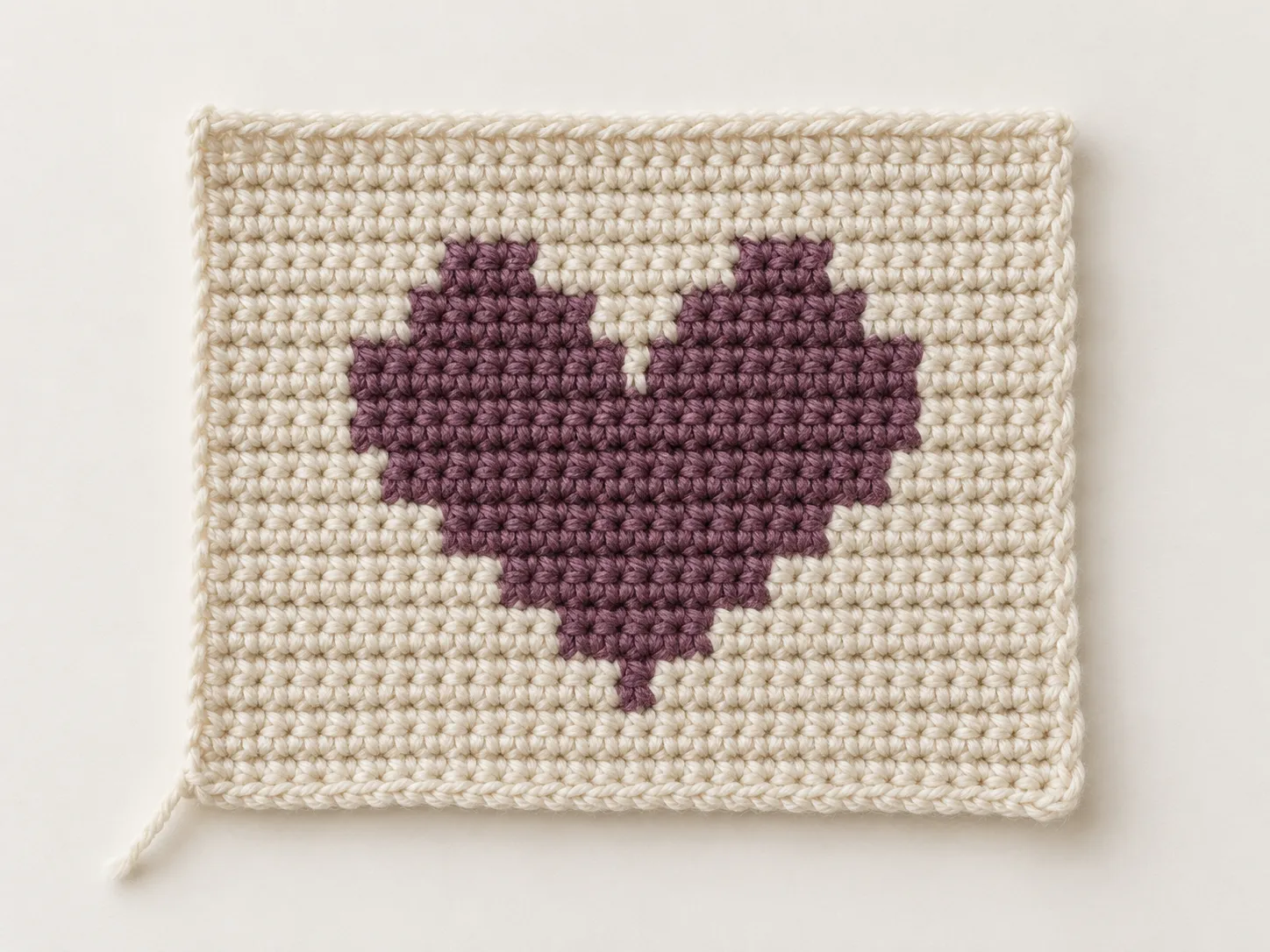
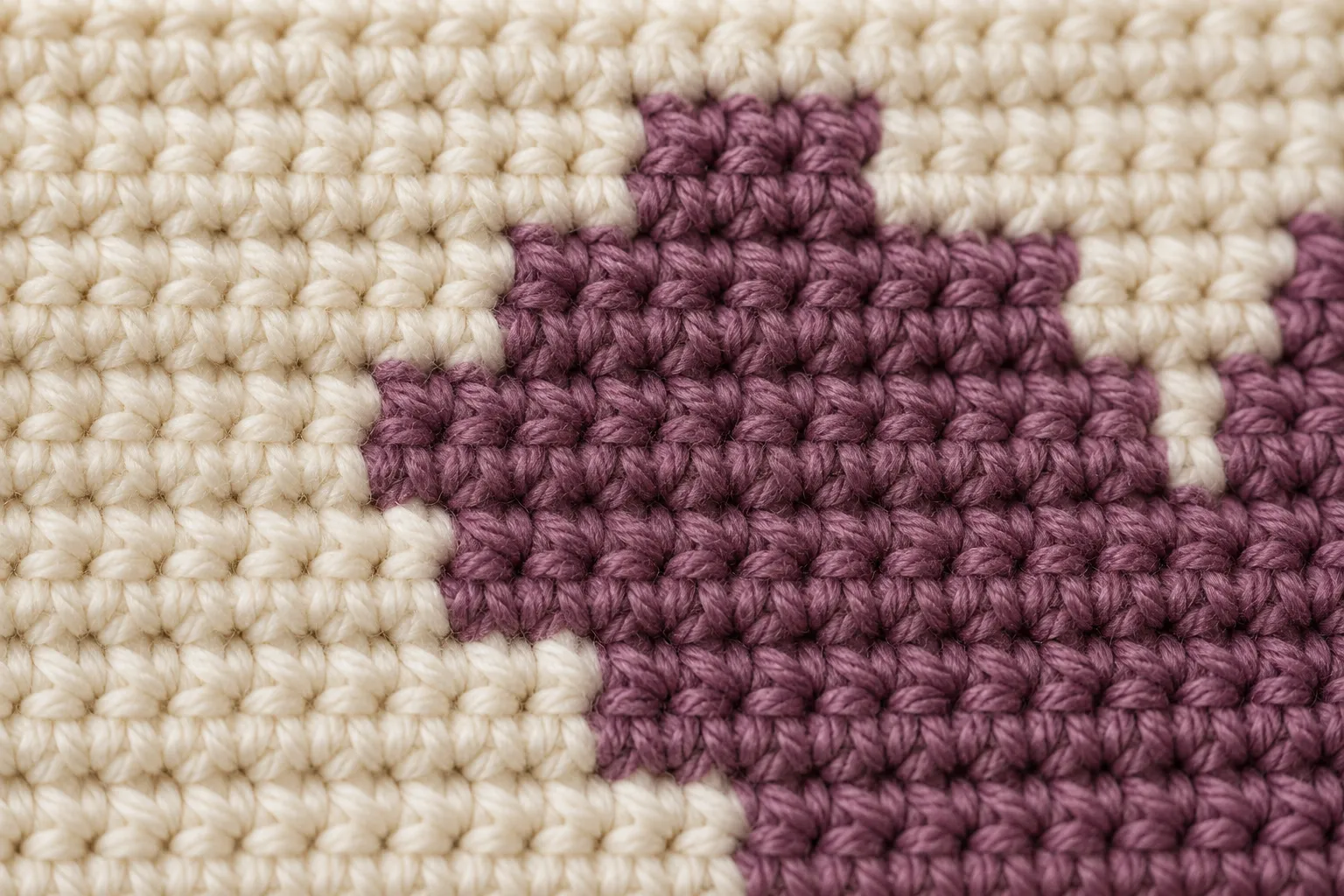
A chart fixes the color placement, not the finished dimensions. Your yarn, hook, tension, and colorwork method affect the fabric. Make a small sample before committing to a larger design.
Check size with your gaugePreview a sample chart before downloading.
Open an image for a closer look.
Four copies of the Little heart motif make 3,600 stitches: 2,152 background and 1,448 purple. The background squares are stitches too, not gaps or unworked mesh.
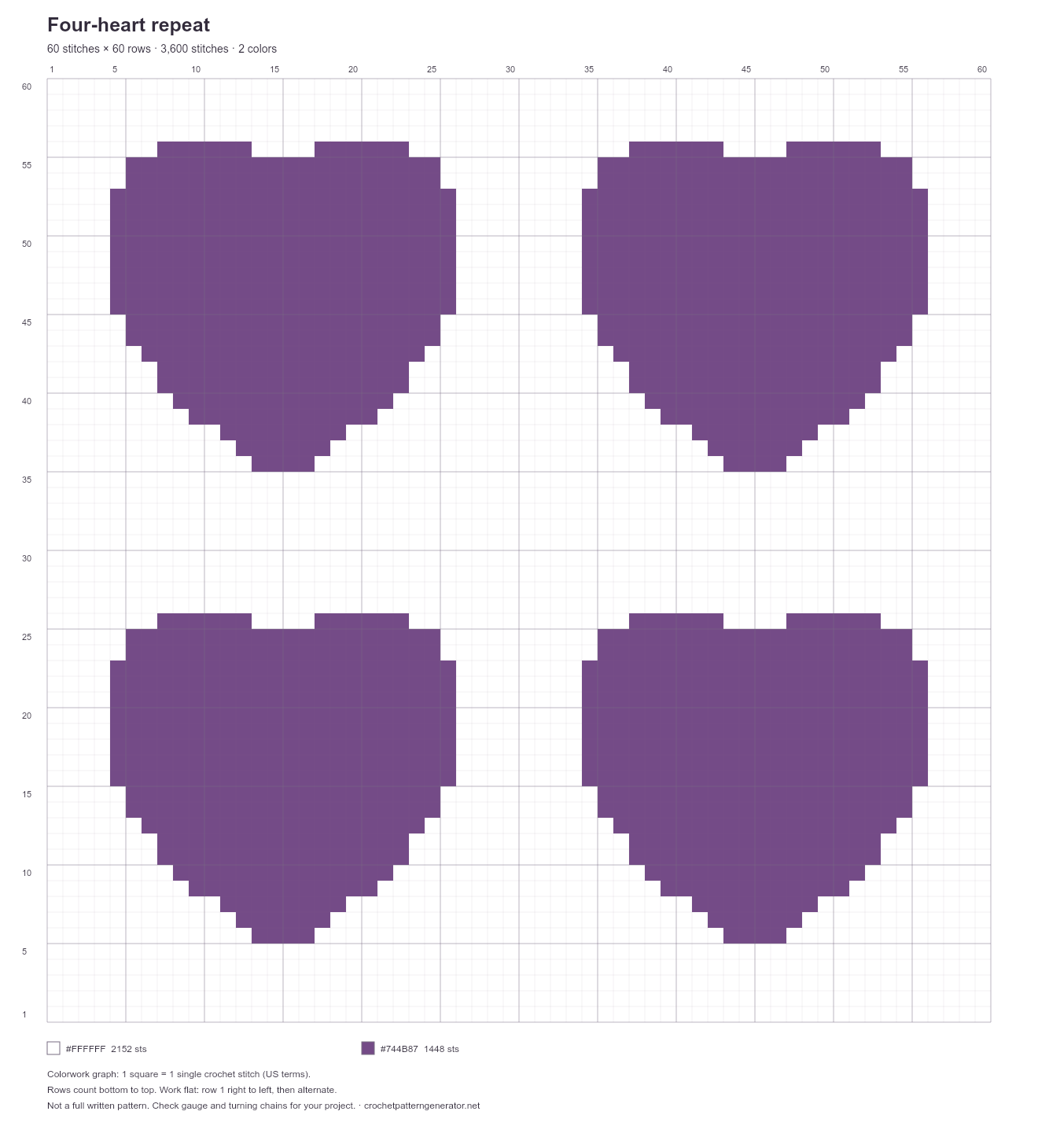
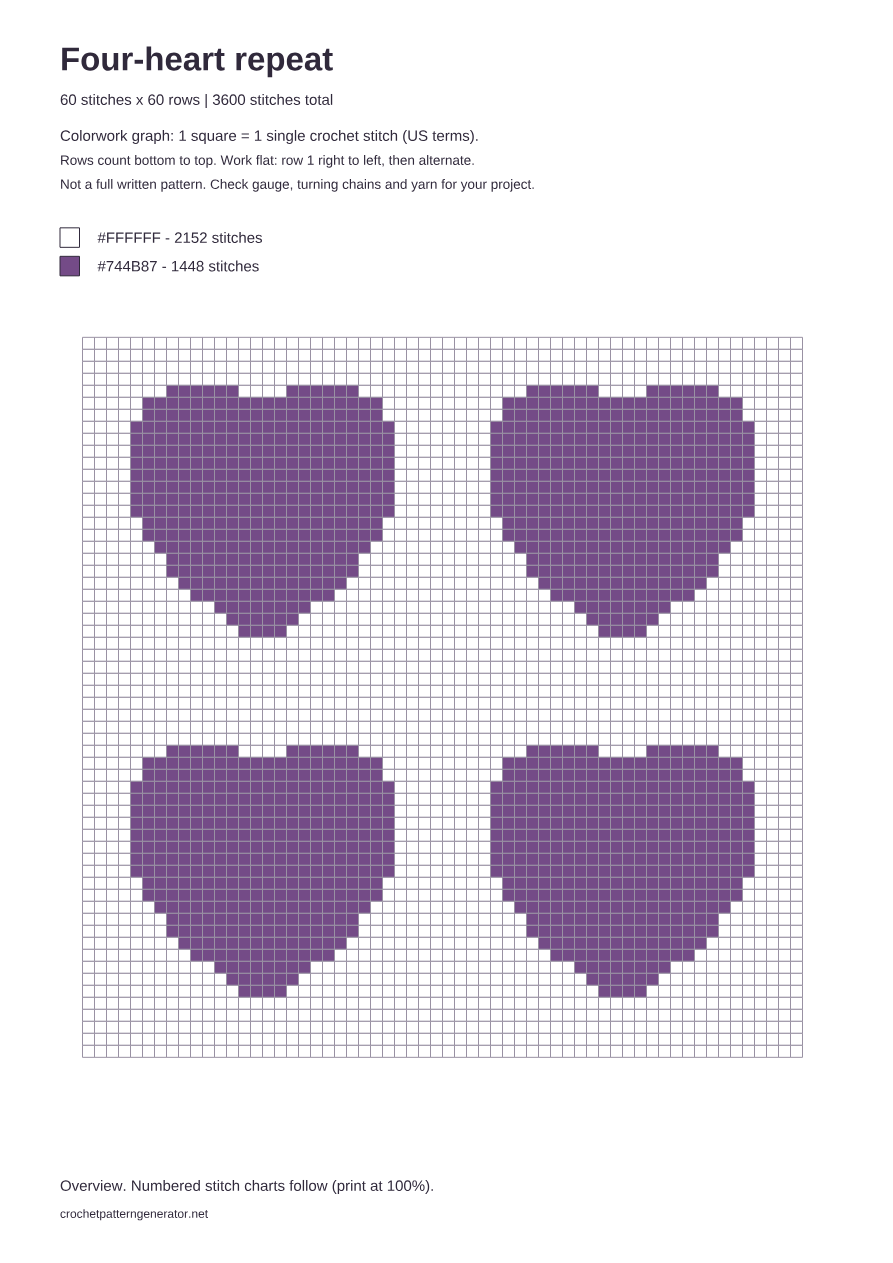
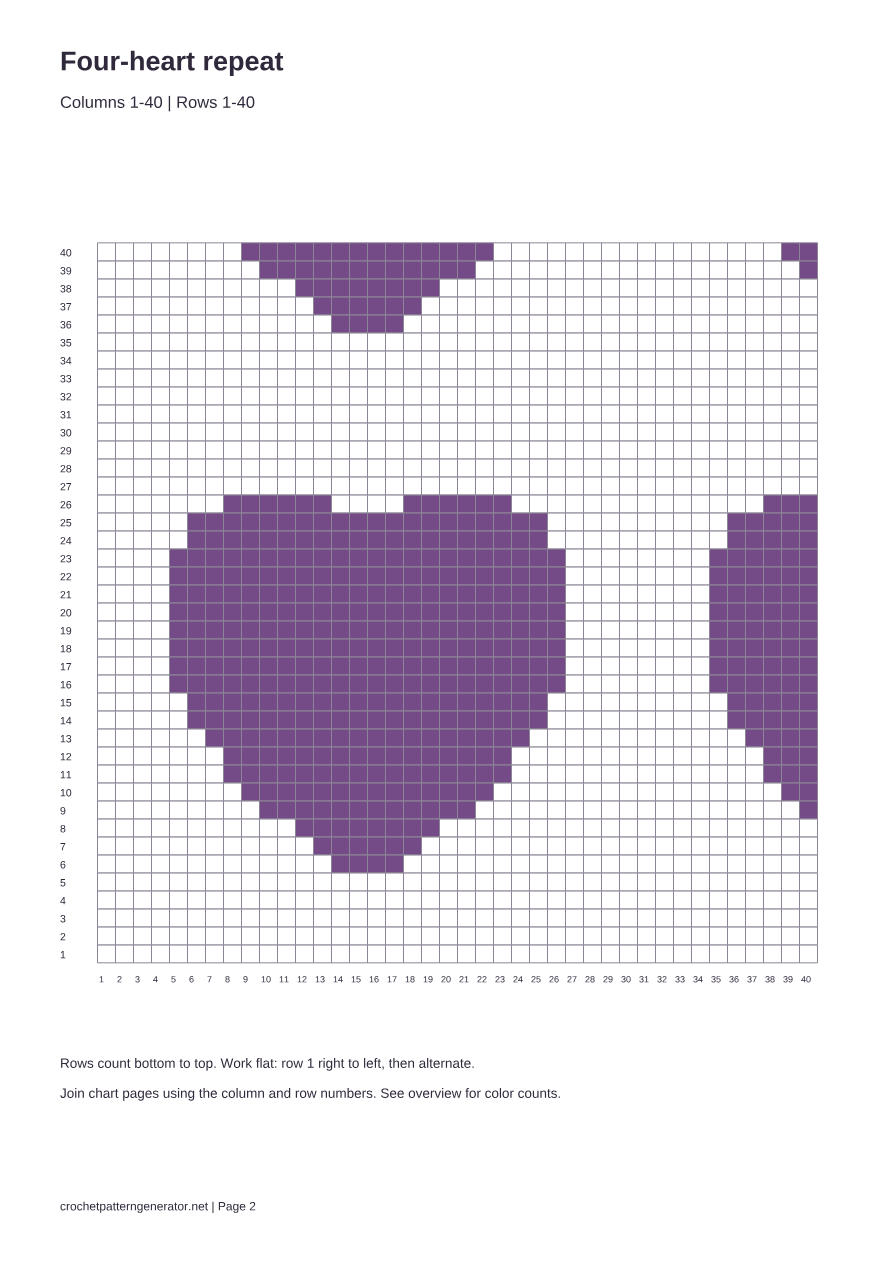
Joining the PDF pages: pages 2–3 cover rows 1–40; pages 4–5 cover rows 41–60. Join the left and right pages at columns 40 and 41. There is no overlapping row or column. View the adjoining chart page (page 3, new tab)
Print at 100% / actual size for the intended reading scale. The printed squares are enlarged reading aids, not the finished size of your crochet. Color swatches are screen approximations, not yarn-brand matches; stitch counts do not estimate skeins.
This example uses US single crochet,
worked flat and right-handed.
For this flat-work example, begin row 1 at the bottom-right. Turn your work, then read row 2 from the left. Keep alternating direction as the row numbers increase.
| Row | Read | Work these colors in order |
|---|---|---|
| 1 | Right to left ← | 5 background, 1 purple, 2 background |
| 2 | Left to right → | 1 background, 3 purple, 4 background |
Each row above adds up to 8 stitches. Left-handed crochet or working in the round may need a different reading direction. Decide how you will work the graph before starting.
For a typical single crochet color change, finish the last yarn-over of the preceding stitch with the next color. Plan whether to carry the unused yarn, use separate yarn supplies, or fasten off; the graph does not make that choice for you.
The starting chain, turning chains, shaping, and finishing are not written into this chart. Make a small swatch with your chosen color-change method before starting a larger piece.
A starting point, not a blank page.
These are editable motifs, not finished-project instructions.
Try a small panel or a motif within a larger blanket design.
First colorwork chart: two colors, with short changes around the curved edges.
Use the flower as a panel motif; choose the yarn and finishing for your project.
More color changes: five colors and small details in the flower center.
Plan an accent motif or repeat it in a larger colorwork design.
Two-color practice: count the stepped edges carefully to keep each point.
A repeating grid for a practice swatch or a larger checkered panel.
Regular color-change practice: three colors form the overlapping checks.
Try a picture panel with pointed ears, eyes, and a small nose.
Detail practice: four colors, with isolated stitches that need an ends or yarn-carrying plan.
The same chart can come out wider, narrower, or taller with a different yarn, hook, or tension. Measure a swatch made with the stitch and colorwork method you intend to use; wash or block it as you will the finished piece.
If your swatch measures 20 stitches and 22 rows per 10 cm, a 30 × 30 chart is approximately:
Notice that a square grid need not make square fabric. This is the design area only: allow extra for borders, seams, and finishing. Stitch counts don’t tell you how much yarn to buy.
Your latest chart saves automatically in this browser on this device. Wait for “Saved on this device” before closing the tab; a change needs a moment to save. Loading a template or creating a blank chart replaces your saved chart.
Undo can recover the previous chart during the current session, but the undo history does not survive a reload. Private browsing, blocked storage, or clearing site data can remove your saved chart. It does not sync across devices.
Download before replacing work you want to keep. PNGs and PDFs are for viewing or printing. Downloaded files cannot be reopened here for editing.
Return to your chartYes. Drawing, editing colors, using templates, local saving, and PNG and PDF downloads are all free. There is no account, subscription, or watermark.
Choose a blank grid or a template, set the number of stitches and rows, and draw with your chosen colors. Check the color counts, then download your graph. For a finished project, you will still need to choose yarn, check gauge, and plan your shaping and turning chains.
Not on this homepage editor. Draw on the grid or start from a template here. To convert a picture into an editable colorwork graph, open the Photo to Crochet Pattern converter.
Yes. Download a PNG with the grid, color legend, and stitch counts, or choose a printable PDF. The PDF includes an overview and numbered chart pages, with up to 40 stitches per side on each page so large designs stay readable.
A colorwork graph uses colored squares to show color changes; here, each square represents one single crochet stitch in US terminology. A stitch-symbol chart uses symbols for different stitches. This tool makes colorwork graphs, not stitch-symbol diagrams.
No. Your latest chart saves automatically in this browser. It does not sync across devices, and clearing browser data or using private browsing can remove it. Download a PNG or PDF to keep a copy for viewing or printing; downloaded files cannot be reopened here for editing.
A homepage colorwork graph can guide tapestry color changes, but for flat vs in-the-round modes and row-by-row color-run instructions open the Tapestry Crochet Pattern Maker. Filet crochet uses filled and open mesh with different stitch counts, so do not treat one square here as a ready-to-work filet mesh—use the Filet Crochet Pattern Generator instead.

Make something you can't wait to crochet.